Talking Dog AI: Make Your Dog Talk From a Single Photo
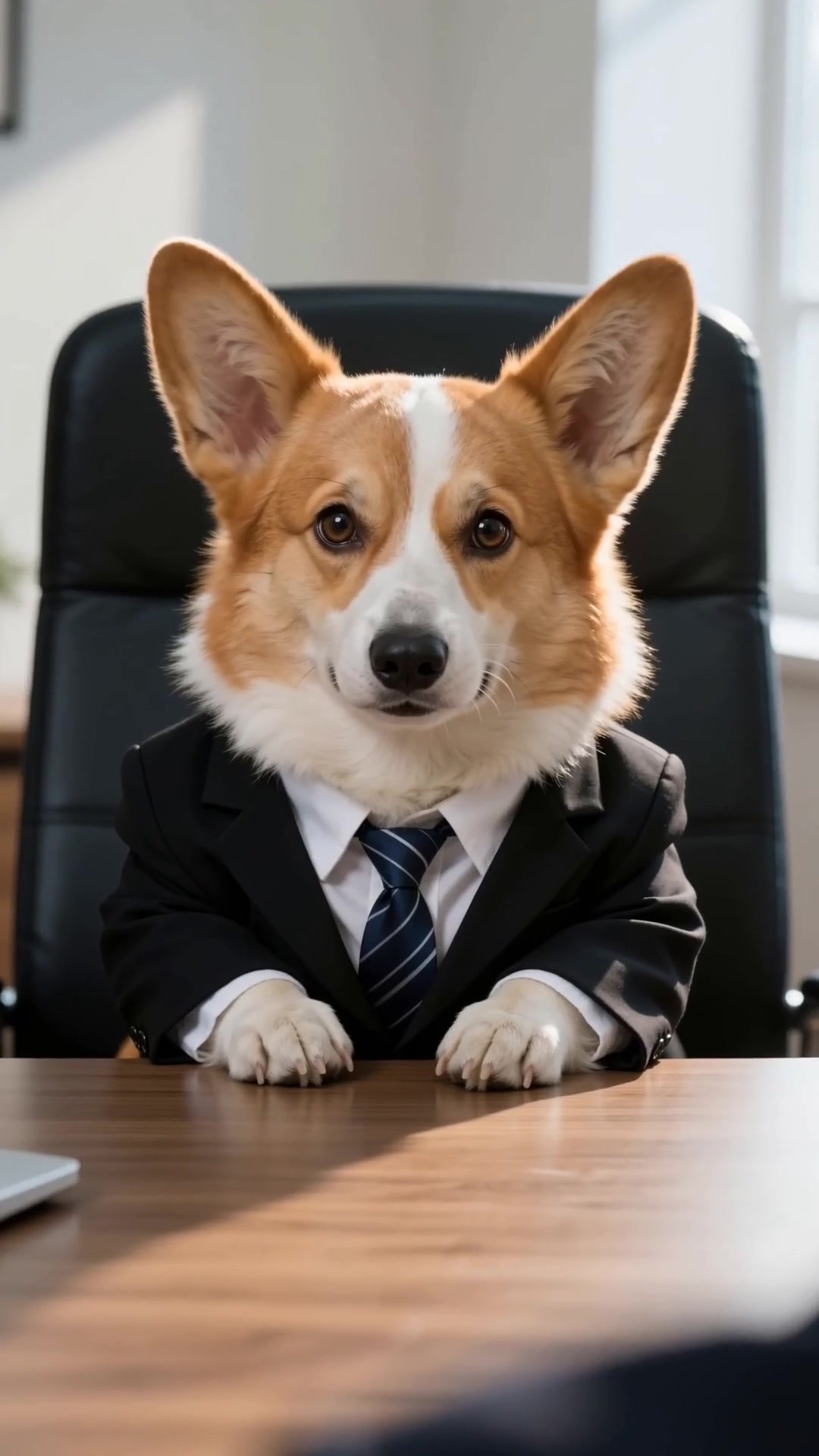
Turn one smartphone photo of your dog into a realistic, expressive talking dog video. Natural mouth motion, head tilts, eye contact, and sound — all while keeping your dog’s exact face and fur unchanged.
How to Create a Realistic Talking Dog Video in 3 Steps
Upload a Clear Dog Photo
Pick a daylight photo facing the camera — works with Golden Retrievers, Corgis, Frenchies, Poodles, Huskies, and dark-coat breeds.
Lock Your Dog’s Likeness
Choose the best of 3 studio likeness portraits so your dog’s exact nose, eyes, ears, and coat pattern stay frozen in every frame.
Render & Share Anywhere
Tap once to generate your talking dog short. Download clean 1080×1920 MP4 ready to post straight to TikTok, Reels, or YouTube Shorts.
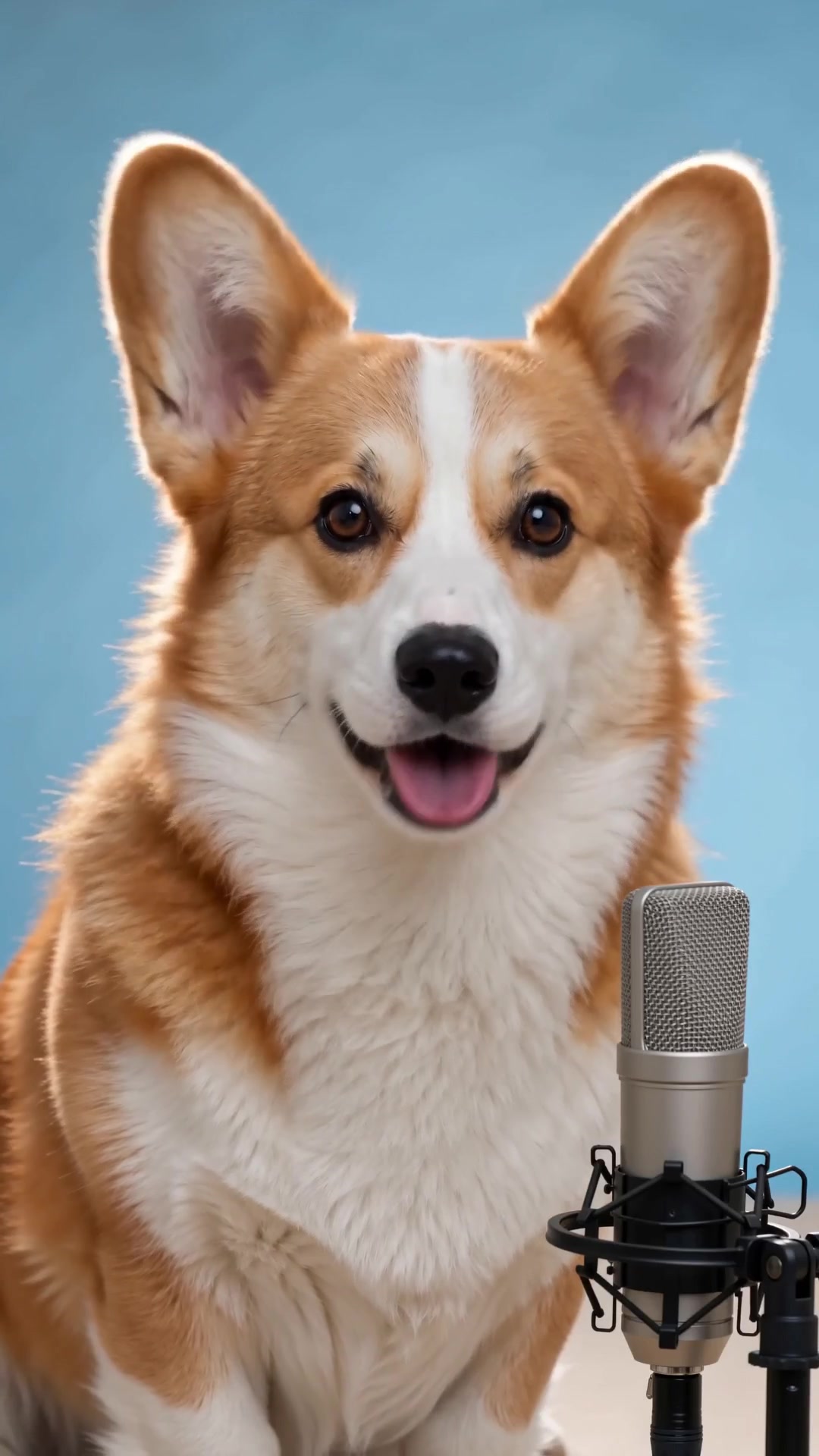
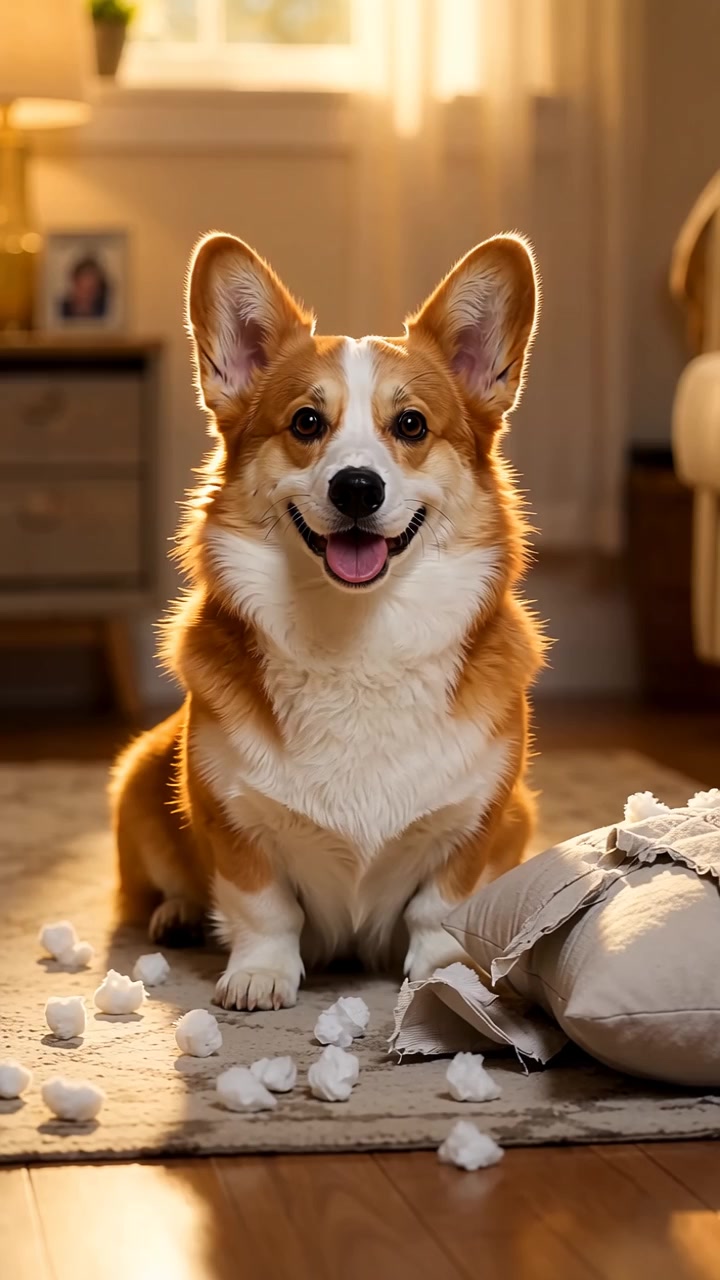
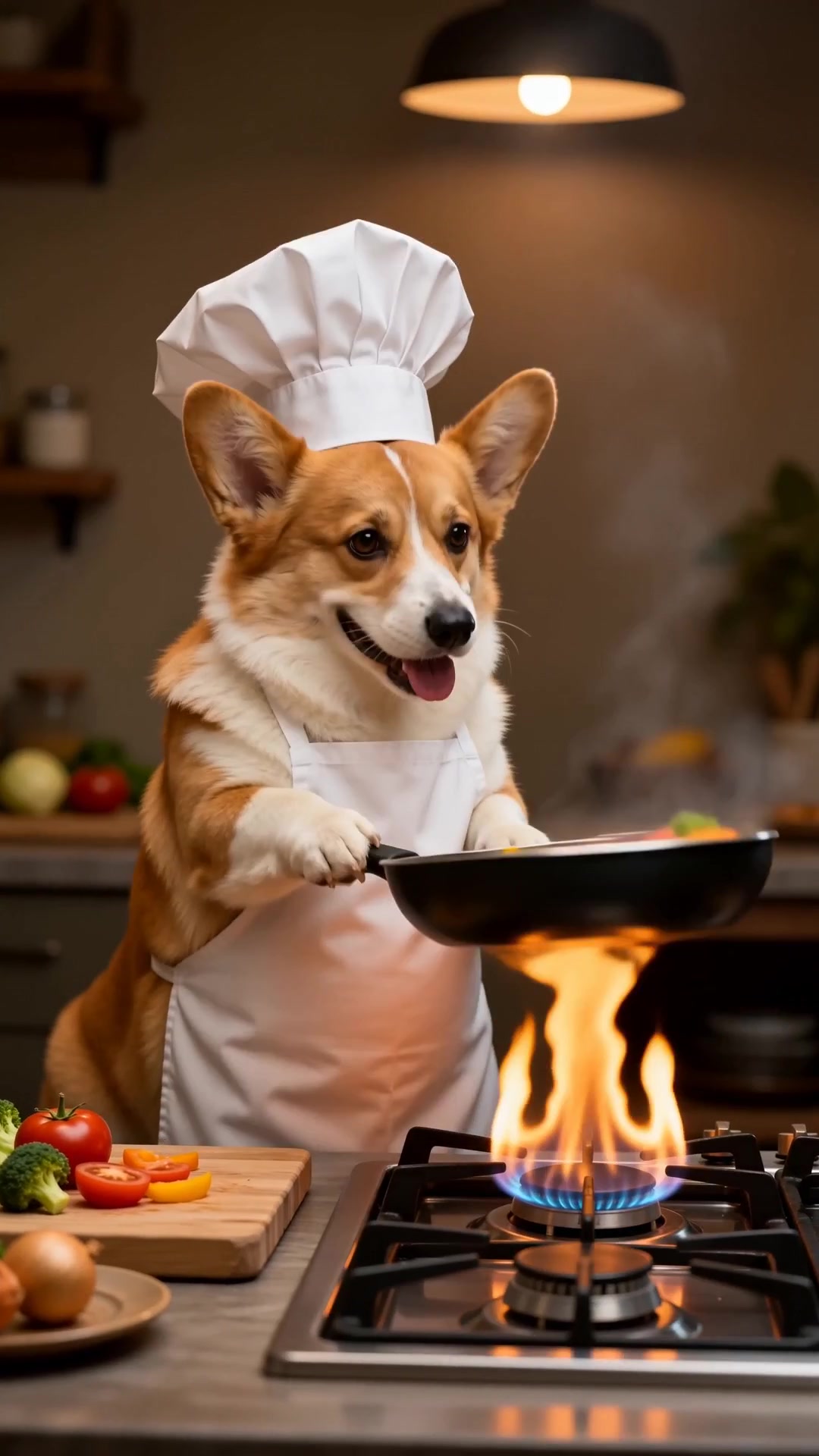
Talking Dog AI — Frequently Asked Questions
How do I make a talking dog video from a single photo?
Upload one clear, front-facing daylight photo of your dog. PawMotion locks your dog’s face, muzzle, and fur markings first, then animates natural jaw movement, blinking, and ear tilts synced to expressive audio.
Will the talking dog video actually look like my dog?
Yes. Unlike generic filters that paste a cartoon mouth onto a still image, PawMotion preserves your dog’s exact breed traits, eye color, and fur pattern across every frame. If a render drifts, credits refund automatically.
What format and length are the talking dog videos?
Exports are watermark-free 9:16 vertical MP4 videos (1080×1920) ready for TikTok, Instagram Reels, and YouTube Shorts, complete with synced sound.
Do I need a monthly subscription to make a talking dog video?
No. PawMotion is 100% pay-as-you-go starting with the $4.99 Trial Pack (150 credits), which covers likeness portrait confirmation plus your first animated talking dog clip.